Tools Used: Unity Engine, Monday.com Scheduling Tool, Microsoft Excel, Zoom, Google Meet, Photoshop, Microsoft PowerPoint, Slack

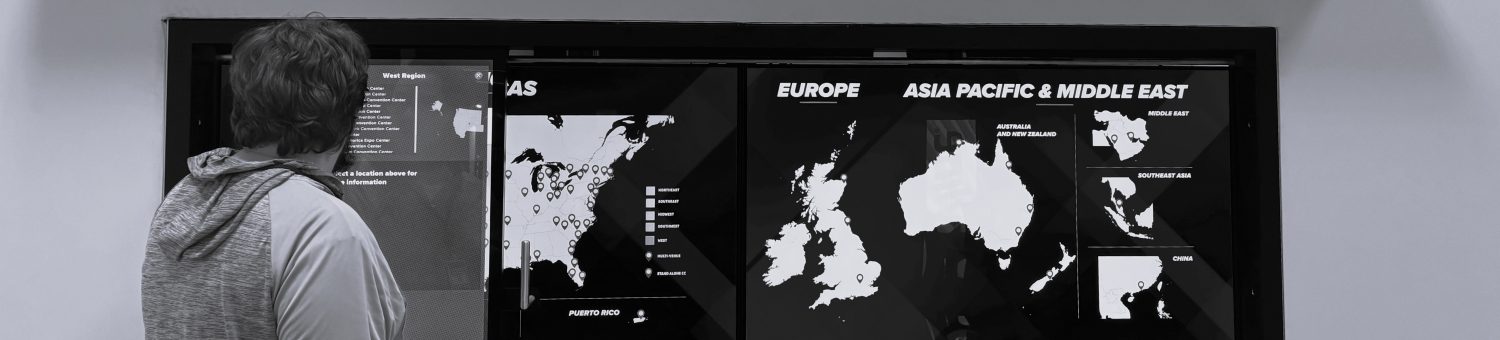
The slider project is Fast Effect’s unique interactive marketing piece. It’s essentially 2 large screens behind one vertical screen which can slide on rails and allow for what’s shown on it to update in real time with it’s current position on the rail. What started as an award winning marketing tool has become at least 4 different projects for three different clients: Nikon Metrology, AAM, and TGW Logistics Group. Nikon Metrology wanted specifically two different sliders, one for their manufacturing metrology machines, and one for their laboratory metrology machines. AAM wanted a slider similar to the animated example above, with various cars being able to be switched around on the screen and the sliding screen showing an x-ray vision view of the axles inside the car, which is what AAM manufactures. TGW is a large scale Automated Warehouse Solutions Center, and they specifically wanted a slider to show how they can create multiple specific solutions for specific products, such as produce, textiles, and Industrial/Consumer Goods, with various nodes connecting each and every part of their solutions.
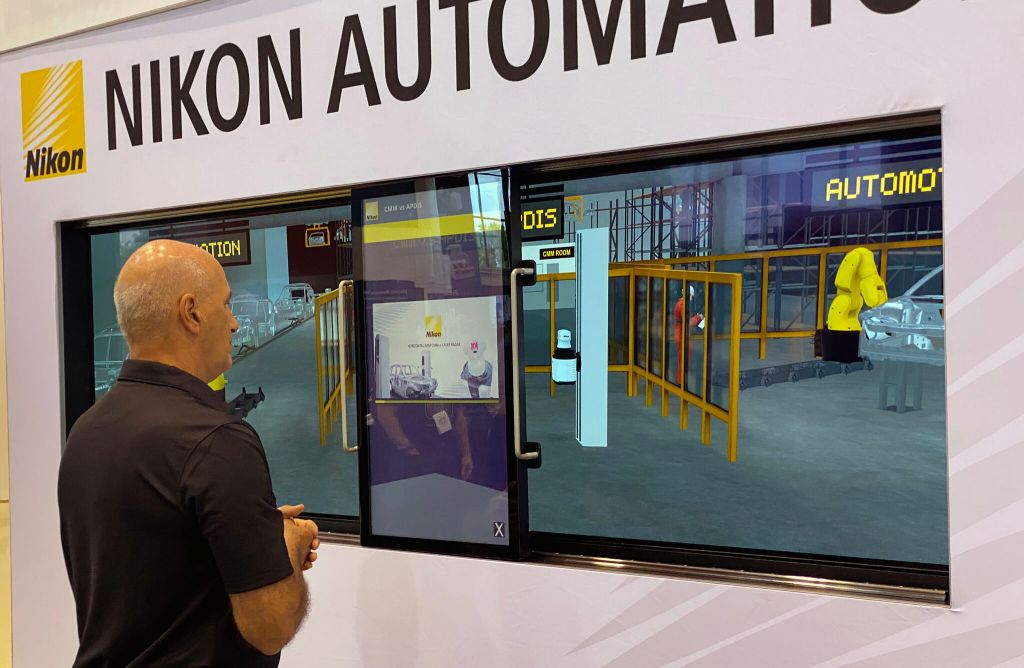
The slider project is a 3 screen exhibit in which the slider screen is attached to two rails and can slide in front of the two screens behind it. The sliding screen updates it’s content in real-time based on it’s position on the rails with a sensor, and it’s also a touch screen. That way, when people find a piece of information they’re looking for or their curiosity is piqued, they can touch the sliding screen and it will show them more information based on what’s behind it, like the pop-up video shown in the above picture.

For all three clients on these slider projects, I was Associate Producer for all of them. For duties that were similar across all three clients, I started with Storyboards and other types of mock-ups in Photoshop and PowerPoint to present to the clients over Zoom, discussed the specifications of the content being presented in the project itself, created and set priorities for the tasks, tested the hardware solutions for the slider itself alongside the Unity project, obtained all informative content to be displayed on the screens, developed the UI for the slider screen to navigate all of the content, and met with our various disciplines to make sure they were all doing their tasks timely and without issue, fixing any issues that did come up myself.
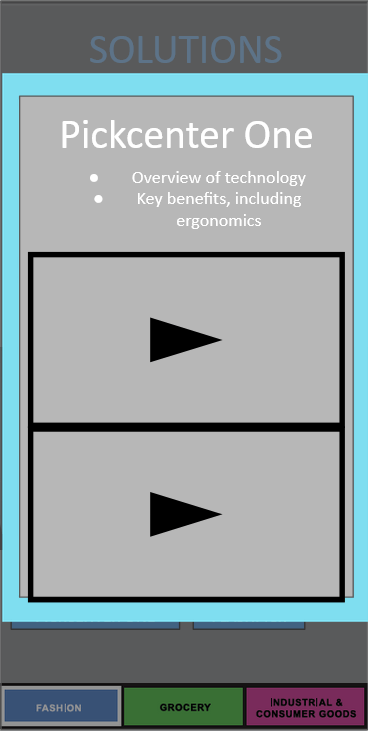
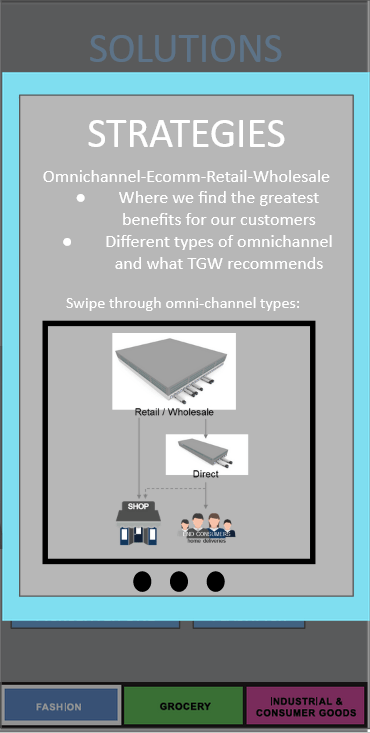
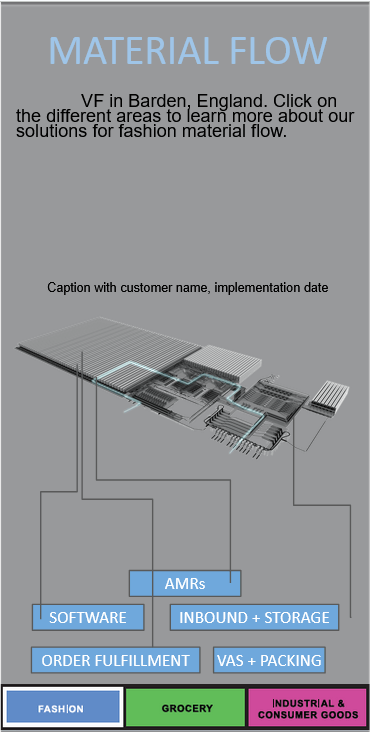
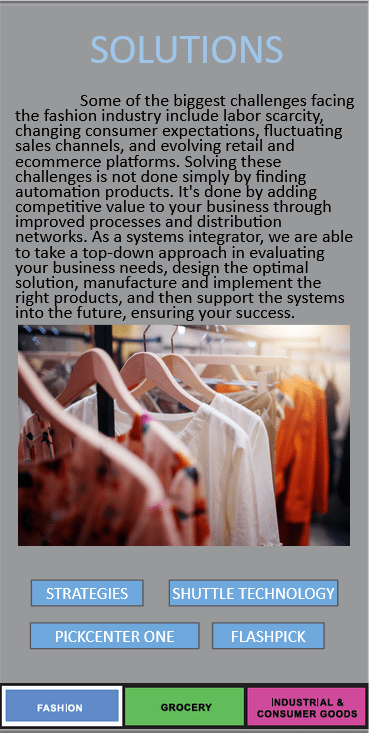
There were unique challenges for each of the clients. For Nikon, they wanted two separate sliders, but didn’t know how to separate them and load the specific software needed for each separate slider. So I suggested that we simply make it one project and put a prompt at the beginning for Nikon so they could pick and choose which they needed for which specific slider. For AAM, the main issue was that there were 7 scenes across all of the choices that could be made by someone using the screen, but there was a large table that would denote which scene you were on with content about it’s current statistics. My solution was instead of the table constantly in the way of the x-ray vision underneath, it was instead able to be moved and even tucked away with a button press. That way, it was able to be called on when the exhibitor wanted and they could switch scenes with little issue. Lastly, TGW Logistics had an interesting challenge specifically with their storyboards, as they didn’t have a specific vision in mind. I took it upon myself to create the storyboards scene below for the entirety of the project, so that they could take a look at it and then make changes as they saw fit. One of the most interesting things I’ve learned is that a client usually knows what they want, but doesn’t have the vocabulary to explain it. Putting something in front of them is great for this reason because if they have something to change, they’ll say it. Though if they like what they see, they’ll also say that.
 Xander Hogan