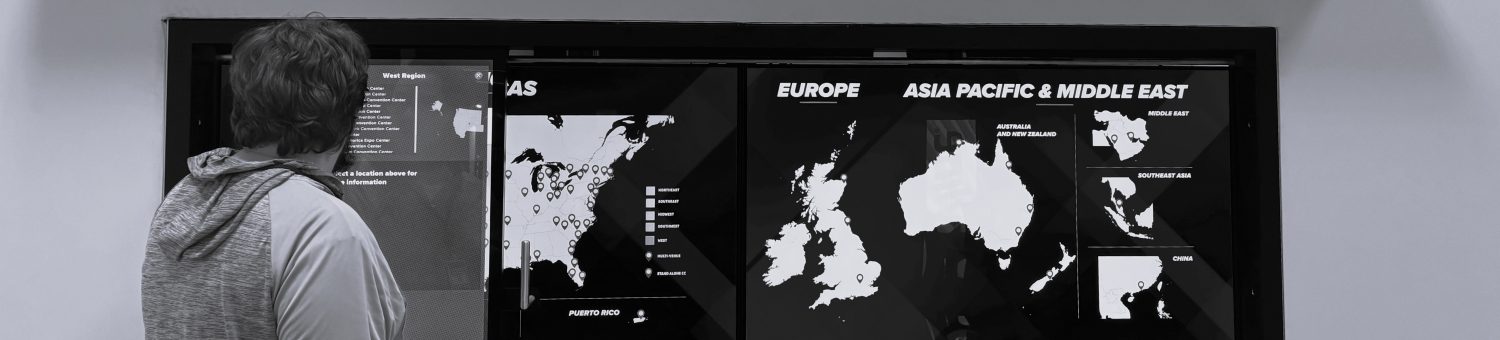
Tools Used: Unity Engine, Monday.com Scheduling Tool, Microsoft Excel, Zoom, Google Meet, Photoshop, Microsoft PowerPoint, Slack, 3D Printer

The Table Project is among my favorite of the projects I’ve worked on at Fast Effect. Easily the most popular exhibit at trade-shows, this project was made for both Mitutoyo and AAM, each featuring different products. The table is paired with objects that are placed on special “pucks” that tell the table what exactly is above it, and then puts information about said object underneath the puck in real-time, allowing exhibitors to learn about the object and maneuver it around the table to compare and contrast with other objects. Mitutoyo specifically wanted to present their various handheld measurement tools and their specifications, whereas AAM wanted to present the various parts of their axles and how all of their moving parts worked. I specifically worked on the AAM project, though I am familiar with the Mitutoyo project as well by proxy.
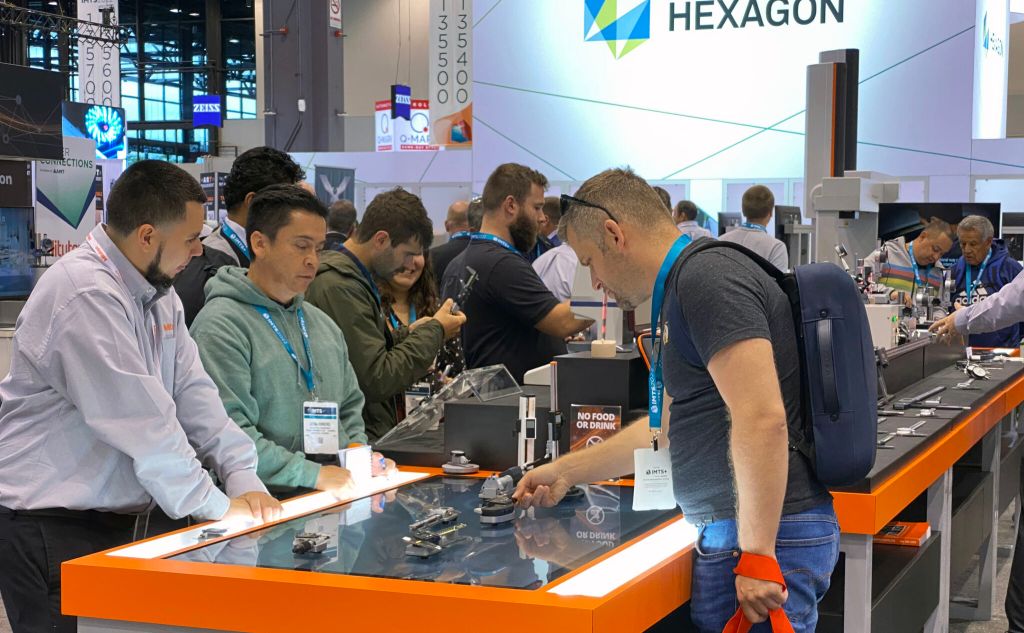
The table works by using a touch screen mounted to the table proper to place the various objects on. The objects themselves are mounted to “pucks” which are 3D-Printed with little “feet” on the bottoms in specific patterns. A piece of software in Unity can detect these specific patterns and tie that information to the UI that contains information on the object itself, as well as it’s current position on the touch screen. Furthermore, because the table is a touch screen, the UI also has multiple segments of information, and the information from item to item can be customized individually.
My role as Associate Producer for these projects was as a scheduler, getting the details of the project proper from the client and distributing tasks and deadlines to each of my team-members. I met with the client to get all of the informative content for each and every object, as well as story-boarded exactly how each segment of information would look when the object was placed on the table itself. I also implemented all of the UI within the objects information segments, connecting them all to each other and making sure they worked as intended. Furthermore, I was given files for our 3D prints and printed them alongside all of my other duties.
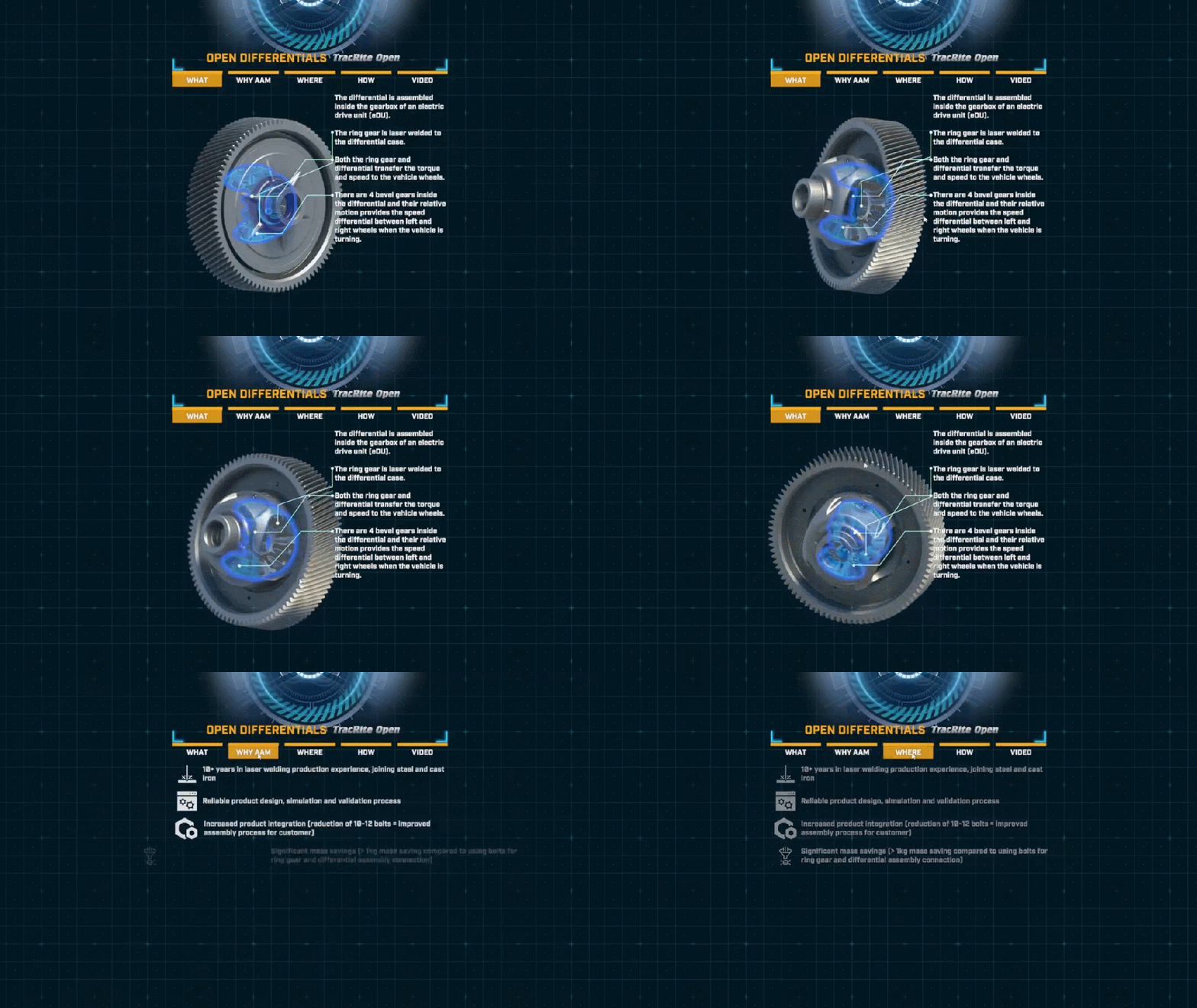
AAM’s table project provided a unique challenge for our team, chief among them being how we would point the correct information to the correct part of a 3D model. In the animated example above, there is a 3D model with moving parts, and information off to the side with specific information about specific parts of the 3D model. The client didn’t know how to make sure that each specific piece of information was pointing to a specific part of the model, so I suggested we create a node based line system that pointed it all out in real time, updating even as the product moved or was rotated by exhibitors. I sent the idea to our programmer who had it implemented, and our client was pleased with the result.
 Xander Hogan